Version 1.1 of Q-emuLator for Max OS X is available for download!
This update adds emulation of three of the Aurora video card graphics modes (512 x 256 and 1024 x 764 with 4 colours, and 512 x 480 with 256 colours) and two graphics modes of the Q40 and Q60 computers (512 x 256 and 1024 x 512 with 65536 colours), plus an extra high resolution mode (1024 x 768 with 65536 colours).
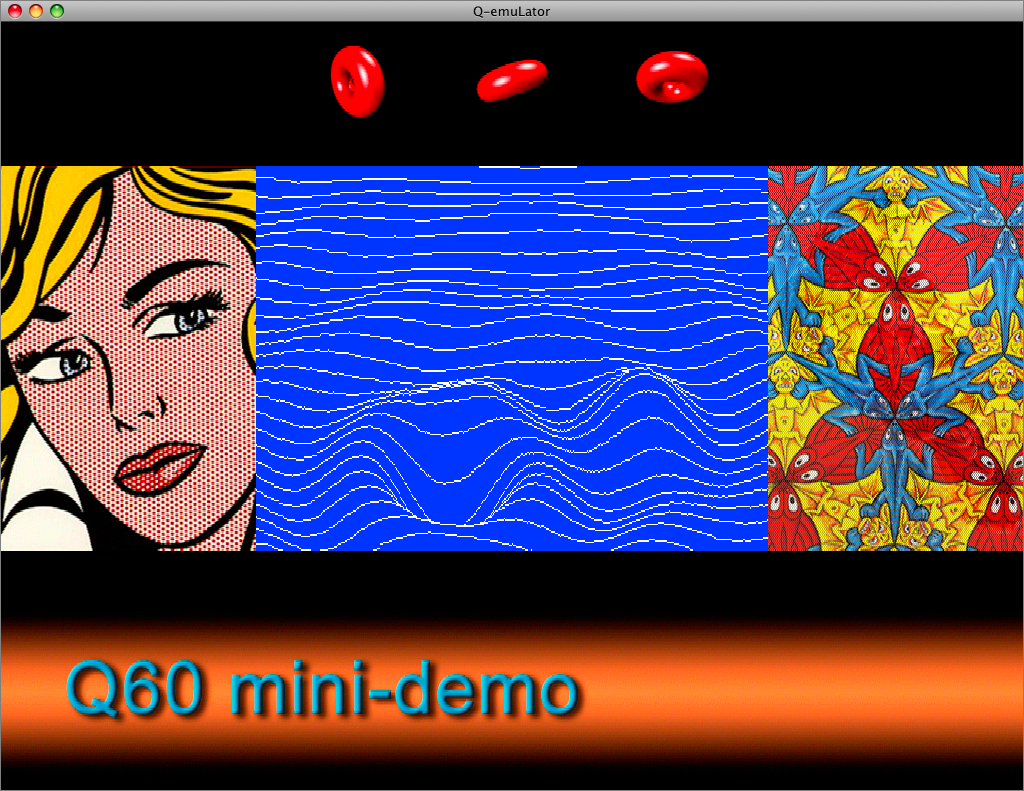
The CON_ and SCR_ drivers in the QL’s operating system cannot take advantage of these graphics modes, but applications can access the video display memory directly, and the Gold Card version of SMSQ/e that includes the “GD2” colour drivers can use the Aurora video modes.
Another new feature in version 1.1 is the addition of a TCP/IP driver (SCK_ and TCP_ devices).
The following screenshot shows the Google web page accessed through the QDOS TCP/IP device:

The software page on the Q-emuLator web site has two demos of the Q60 video modes and a .QLPAK with the Lynx browser for browsing the Internet from QDOS.
For a detailed list of all changes included in the version 1.1 update, read the version history.

 An update for the Windows version of Q-emuLator is available, adding support for compressed floppy disk images and improving ‘QL Speed’ accuracy.